


Family health
Care for your family, with everyone’s privacy intact.
Look after your children’s everyday health, records and visits, help your parents with their medicines and appointments, and keep every adult in control of their own information, even when you live in different countries.
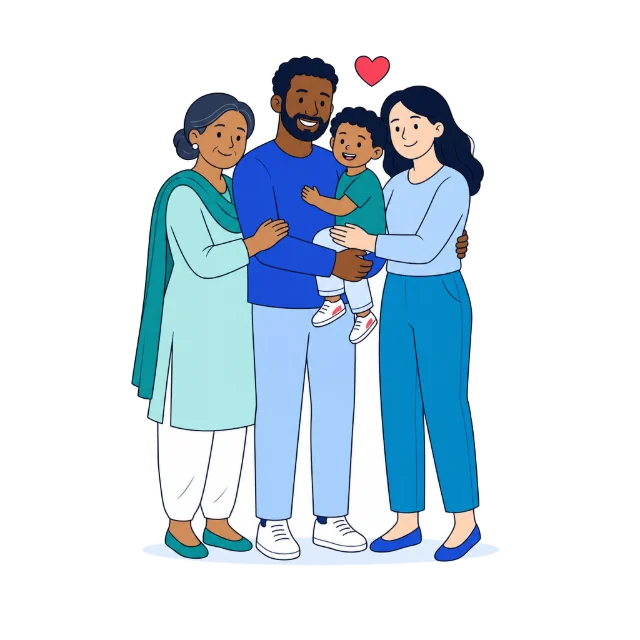
Family: the people you care for, a child you are guardian for and a parent you are caregiver for, each with their own records and medicines. Sample people, places and times. The buttons inside work like the app’s; the tour pauses while you use it.
Family
People you care for
How families work
Organised together, private by default.
A family in MediQ Health is a group of people who help each other. Being in one never shares anything by itself.
 Maya · youManages the family
Owner
 Leo, 6You’re his guardian
Books and keeps records
 Grace · MumLagos · her own account
Shared with you, by her
 DanielToronto · adult
Shares nothing yet
 Dr. Amina YusufNairobi · Mum’s doctor
Sees only what Mum shares
Illustration with sample people
Guardians for children
Add a child or another dependent. You become their guardian and manage their profile, records, medicines and visits. They don’t need an account.
Caregivers for parents
Your parent keeps their own account and decides what you may do: see their profile, or book and change visits for them.
Invitations, not assumptions
Invite another adult by the email address or phone number on their MediQ Health account, from any country. They choose whether to accept.
Getting set up
Four steps, from the Family page.
Set it up once. Change who can do what at any time.
- Step 1
Create a family
Give it a name. As its admin you manage the group, not anyone’s health information.
- Step 2
Add your children
Add their basic details. You are their guardian and can book visits for them.
- Step 3
Invite the adults
Invite your partner or parents by email or phone number. They accept or decline.
- Step 4
Share on purpose
Each adult decides who may see or manage their health and visits, and for how long.
Permissions
Four clear permissions.
When you give someone access to your profile, you pick exactly what they can do. Set an end date if you like, and remove access at any time.
See health profile
Blood group, allergies, conditions, medicines and emergency contact.
Edit health profile
Update those details, for example after a visit.
See visits
Upcoming and past visits, and with which doctor.
Book and change visits
Book, reschedule and cancel visits on their behalf.
- Leaving or being removed from a family doesn’t change health access: that is managed on each profile.
- Granting and removing access is recorded in an audit log.
- Family admins manage the group, not other adults’ health information.
Daniel shares with you
Sample: what your father lets you do
- See health profile
- Edit health profile
- See visits
- Book and change visits
You can: see visits, book and change visits.
Bring your family’s health together.
Create your account, then set up your family from the Family page.